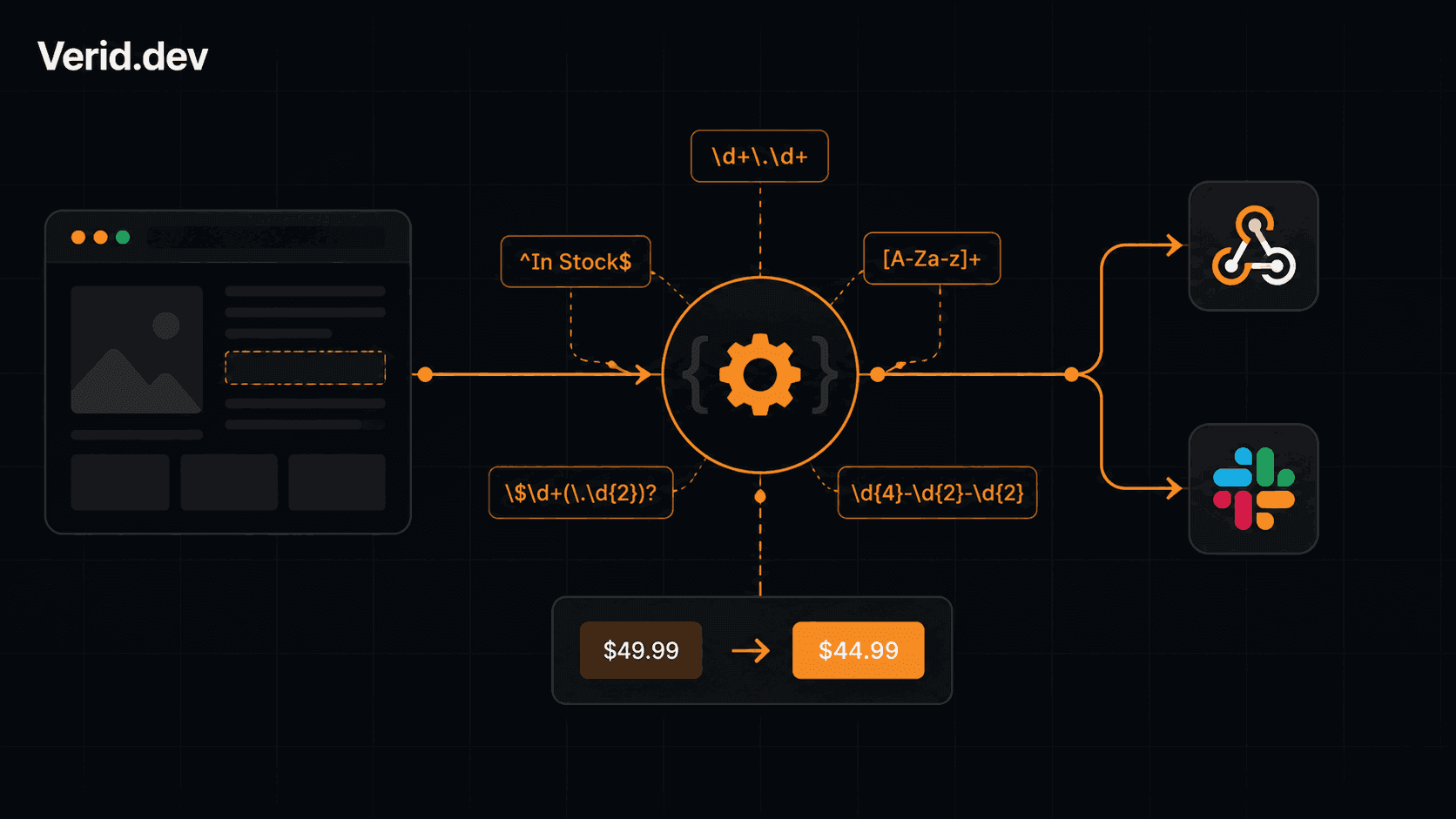
How to Monitor a Website for Keyword Appearances (Regex Monitoring)
Most monitoring tools answer the wrong question. They tell you "the page changed" when what you actually need is "did this specific string appear, disappear, or shift in a way that matters?" That distinction is the difference between a useful alert and an inbox full of noise.
This guide covers how to build precise, regex-powered keyword monitors using Verid's extraction and predicate system. Every config shown here is real and runnable.
Why Regex Belongs in Your Monitoring Stack
CSS selectors break when a class name changes. XPath breaks when an element moves. Regex operates on raw page source, which means it works even when the DOM has no clean structure to target.
That makes it the right tool for a handful of specific situations:
- A version string is injected into a
<script>tag as a JavaScript variable - A price or date appears inline in a paragraph with no wrapping element
- You want to count how many times a term appears on a page (sitemap URLs, external links, keyword density)
- The markup is inconsistent across the pages you need to monitor
Regex will not replace CSS or XPath for well-structured pages, but it covers the gaps those methods leave behind.
How Verid's Regex Extraction Works
Verid runs regex patterns against the full raw source of the fetched page, including all HTML tags, script contents, and embedded JSON. There are two modes depending on whether you include a capture group:
| Mode | Config format | Returns |
|---|---|---|
| Capture group | /pattern with (group)/ | The text matched inside (...) |
| Plain string | "literal string" | An integer count of occurrences |
The /…/ delimiters mark a regex. Without them, Verid counts exact string matches.
JSON escaping rule: Regex backslashes must be doubled inside JSON strings. Write\\d+not\d+. Write\\.not\.. Test your pattern at regex101.com against a page source fragment before saving.
Setting Up a Regex Monitor via the API
Every Verid monitor is created with a single POST /v1/monitors call. Here is the full shape for a regex-based keyword monitor:
POST https://api.verid.dev/v1/monitors
Authorization: Bearer vrd_your_api_key
Content-Type: application/json

{
  "name": "Terms page - last updated date",
  "url": "https://example.com/terms",
  "schedule_interval_seconds": 86400,
  "extract_config": {
    "method": "regex",
    "fields": {
      "last_updated": "/Last updated: ([A-Za-z]+ \\d{1,2}, \\d{4})/"
    }
  },
  "diff_predicate": {
    "type": "field_changes",
    "field": "last_updated"
  },
  "deliveries": [
    { "type": "webhook", "url": "https://your-app.com/hooks/terms-change" }
  ]
}
Verid runs the loop: fetch the URL, apply the regex, compare against the last stored value, evaluate the predicate, and if it fires, deliver a signed webhook with the before/after diff. You write none of that infrastructure yourself.
Regex Patterns for Common Keyword Monitoring Scenarios
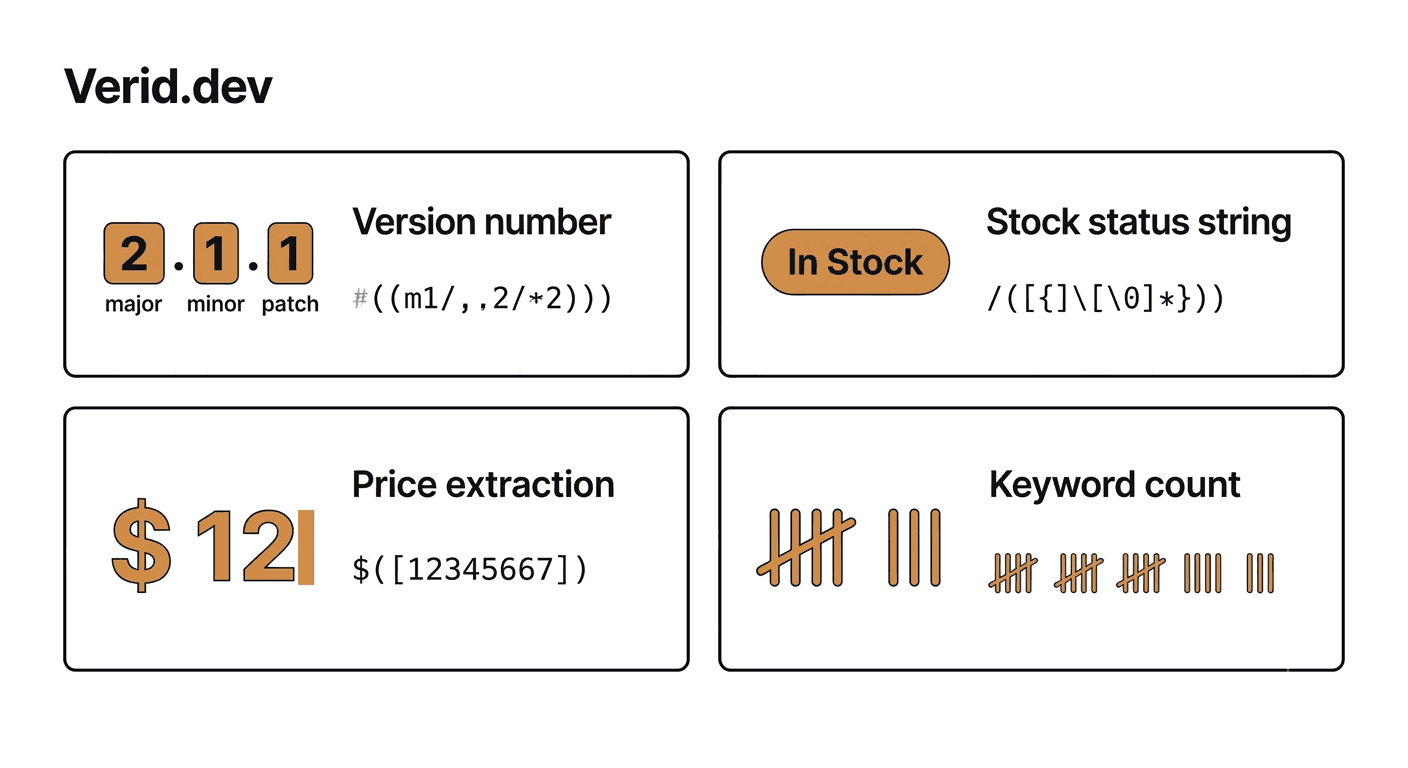
Version number in a script tag
A common pattern: an app embeds its version into the page as a JS variable.
Target HTML:
<script>
  window.__CONFIG__ = { version: "3.14.2", env: "production" };
</script>
Extract config:
{
  "method": "regex",
  "fields": {
    "version": "/version: \"(\\d+\\.\\d+\\.\\d+)\"/"
  }
}
Predicate - fire on any version bump:
{ "type": "field_changes", "field": "version" }Returned value: "3.14.2"
Stock status keyword
Watch for an exact phrase transitioning in or out. Useful for product restock monitoring.
Extract config:
{
  "method": "regex",
  "fields": {
    "availability": "/(In Stock|Out of Stock|Backordered)/"
  }
}
Predicate - alert only when it reads "In Stock":
{
  "type": "field_matches_regex",
  "field": "availability",
  "pattern": "^In Stock$"
}
This fires only on a match, not on every page crawl. See the full change detection predicate reference for all nine predicate types.
Price extracted from inline paragraph text
No price element, just a number buried in a sentence.
Target HTML:
<p>The annual plan is currently priced at <strong>$149.00</strong> per seat.</p>Extract config:
{
  "method": "regex",
  "fields": {
    "annual_price": "/\\$([\\d,]+\\.\\d{2})/"
  }
}
Returned value: "149.00" (the capture group excludes the $ sign)
Predicate - alert when the price drops by 5% or more:
{
  "type": "field_decreases_by_percent",
  "field": "annual_price",
  "threshold": 5
}
Keyword occurrence count
Count how many times a keyword appears across a page, no capture group needed.
Extract config:
{
  "method": "regex",
  "fields": {
    "keyword_count": "data-privacy"
  }
}
Returned value: 14 (integer count of matches)
Predicate - fire if the count drops to zero (keyword removed):
{
  "type": "field_equals",
  "field": "keyword_count",
  "value": "0"
}
Regex Pattern Reference
| Pattern | What it extracts |
|---|---|
(\\d+\\.\\d+\\.\\d+) | Semver string like 2.4.1 |
(\\$[\\d,]+\\.\\d{2}) | Price like $1,999.00 |
([A-Za-z]+ \\d{1,2}, \\d{4}) | Date like March 15, 2026 |
(In Stock|Out of Stock) | Stock status string |
^(error|failed|critical) | Error state prefix match |
href="https:// | Count of external links (plain string, no capture) |
<loc> | Count of sitemap URLs |
/pattern/i | Case-insensitive match |
Combining Regex Extraction with Composite Predicates
Where regex monitoring gets genuinely powerful is in combination with composite AND/OR predicates. Here is a monitor that fires only when a competitor's pricing page shows a price drop AND the item is in stock:
{
  "name": "Competitor: price drop on in-stock item",
  "url": "https://competitor.com/product/widget-pro",
  "schedule_interval_seconds": 900,
  "extract_config": {
    "method": "regex",
    "fields": {
      "price": "/\\$([\\d,]+\\.\\d{2})/",
      "availability": "/(In Stock|Out of Stock)/"
    }
  },
  "diff_predicate": {
    "type": "composite",
    "operator": "AND",
    "conditions": [
      {
        "type": "field_decreases_by_percent",
        "field": "price",
        "threshold": 5
      },
      {
        "type": "field_equals",
        "field": "availability",
        "value": "In Stock"
      }
    ]
  },
  "deliveries": [
    { "type": "webhook", "url": "https://your-app.com/hooks/repricer" },
    { "type": "slack" }
  ]
}
One config, zero polling loops, no false positives on out-of-stock items.
How This Compares to Other Monitoring Approaches
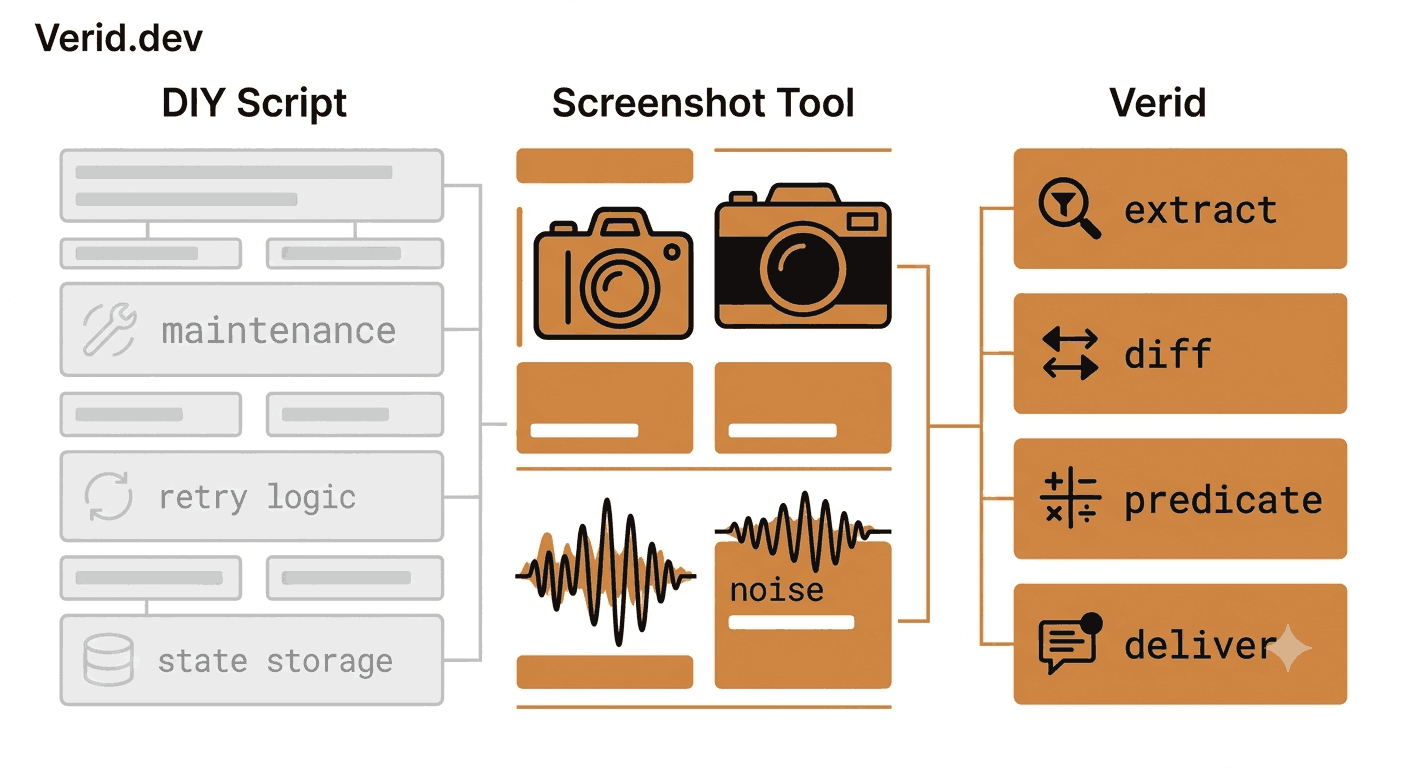
| Capability | DIY script | Screenshot tools (Visualping, ChangeTower) | Verid |
|---|---|---|---|
| Regex on raw page source | You write it | No | Yes, native |
| Field-level diff (before/after) | You store state | Image diff only | Per-field, typed |
| Predicate-based alerting | You write it | Keyword present/absent | 9 predicates + AND/OR |
| JS-rendered pages | You add headless browser | Partial | Auto-escalates: static > browser > proxy |
| Signed webhook delivery | You build retries | Email/Slack only | HMAC + 6x backoff + dead-letter queue |
| Time to first alert | Days of setup | Minutes (then alert noise) | Minutes, quiet by default |
The core gap with screenshot tools is they alert on any pixel change. A cookie banner update, a rotating ad, a timestamp in the footer: all of those fire. Predicate-driven monitoring only fires when the condition you defined is true.
Common Issues and Fixes
| Symptom | Likely cause | Fix |
|---|---|---|
| Field returns a count instead of text | No capture group in the pattern | Add (...) around the part you want extracted |
Field returns 0 or null | Pattern does not match page source | Paste raw HTML into regex101.com and check the match |
| Getting the wrong match | Pattern is too broad | Add surrounding context to narrow the match |
| JSON parse errors | Single-escaped backslashes | Double-escape: \\d not \d, \\. not \. |
| Alert never fires | Predicate condition not met | Temporarily switch to any_field_changes to confirm extraction is working |
FAQs
Does regex extraction work on JavaScript-rendered pages?
Yes. Verid's fetcher auto-escalates: it tries a static fetch first, then falls back to a headless browser, then to a residential proxy if the site blocks bots. The regex runs on whatever source the fetcher returns. If you need JS-rendered content, it is handled without any extra config.
Can I monitor for a keyword appearing OR disappearing?
Yes. Extract the keyword as a plain string count (which returns an integer). Then use field_equals with a value of "0" to trigger when the keyword has been removed, or use field_increases_by_absolute with a threshold of 1 to trigger the first time it appears.
What happens when a site restructures its HTML and breaks my selector?
If a CSS or XPath selector breaks, you can switch the extraction method to regex or to AI extraction with a config update, no redeployment required. The LLM extractor lets you describe the field in plain English as a fallback.
How do I test a regex pattern before creating a monitor?
Paste a fragment of the page source into regex101.com and verify that your capture group returns exactly what you expect. Then double all backslashes when you move the pattern into the JSON config. The Verid regex extraction guide walks through five complete examples with inputs and expected outputs.
About the author

Software Engineer & Technical Writer
Software engineer and technical writer. Hanzala bridges Verid’s codebase and its documentation, writing the guides, reference pages and honest comparisons that get a developer from an idea to a working monitor.
More from HANZALA SALEEM →Related posts
API Contract Monitoring: How to Catch Breaking Changes Before They Hit Production
Learn how API contract monitoring catches breaking changes before production. Schema drift, field-level diff, and continuous JSON API monitoring explained.
Read the post →monitoringHow to Monitor Job Listings for Keywords and Get Instant Alerts
Learn how to track new job postings automatically using Verid. Set keyword filters, configure smart alerts, and get notified the moment a match appears.
Read the post →monitoringAPI Monitoring vs Scraping: Why the Loop Is the Product
Discover why API monitoring outperforms scraping. Learn how Verid.dev simplifies change detection with continuous monitoring and webhooks.
Read the post →monitoringStop Monitoring Noise: How Predicate-Based Alerting Saves Your Sanity
Learn how predicate-based alerting filters out monitoring noise so you only get notified when a real condition you care about is actually true.
Read the post →