
JSONPath Expressions: The Complete Developer Reference
JSONPath is a query language for JSON, the same idea as XPath for XML but designed for the flat, tree-like structures you actually get back from APIs. It was originally proposed by Stefan Gössner in 2007 and formally standardized by the IETF in February 2024 as RFC 9535.
If you have ever written response.data.items[0].price and then immediately wanted a way to express that without three lines of chained property access, JSONPath is the answer.
How JSONPath Expressions Work
Every expression starts with $, which refers to the root of the document. From there, you chain operators to navigate into the structure.
{
  "store": {
    "books": [
      { "title": "Clean Code", "price": 34.99, "inStock": true },
      { "title": "The Pragmatic Programmer", "price": 42.00, "inStock": false },
      { "title": "Designing Data-Intensive Applications", "price": 49.95, "inStock": true }
    ],
    "location": "downtown"
  }
}
The expression $.store.books[0].title evaluates to "Clean Code". That's it: root, key, array index, key.
Core Syntax Reference
| Expression | What it does |
|---|---|
$ | Root of the document |
.key | Access a named property (dot notation) |
['key'] | Access a named property (bracket notation) |
[0] | Access array element by index (zero-based) |
[*] | Wildcard — select all elements |
..key | Recursive descent — search all nesting levels |
[1:3] | Array slice, returns index 1 and 2 |
[?(expr)] | Filter — select elements matching a condition |
@ | Current node (used inside filters) |
Both dot notation ($.store.location) and bracket notation ($['store']['location']) are equivalent. Bracket notation is required when a key contains spaces, hyphens, or starts with a digit.
Selecting Properties and Nested Objects
Start with the straightforward cases. Given the bookstore JSON above:
$.store.locationReturns "downtown".
$.store.books[1].priceReturns 42.00.
$.store.books[0].titleReturns "Clean Code".
Nothing surprising here. The power comes when you go deeper or wider.
Wildcards and All-Array Selectors
The wildcard [*] selects every item in an array. Use it when you want the same field from all elements.
$.store.books[*].titleResult:
["Clean Code", "The Pragmatic Programmer", "Designing Data-Intensive Applications"]Combine with a nested key to flatten a repeated field across a whole list in one expression.
Array Slices
Slices follow Python-style [start:end] syntax. The end index is exclusive.
$.store.books[0:2].titleReturns the first two titles. index 0 and 1, not 2.
You can also use negative indices to count from the end:
$.store.books[-1].titleReturns "Designing Data-Intensive Applications" the last item.
Recursive Descent
The .. operator searches all levels of nesting, regardless of depth. It is the "find anywhere" selector.
$..titleThis returns every title value in the entire document, no matter how deeply nested. Useful when you don't control the structure and can't guarantee where a field will appear.
$..priceReturns [34.99, 42.00, 49.95].
Use recursive descent carefully on large documents it traverses everything.
Filter Expressions
Filters are where JSONPath goes from "useful" to "genuinely powerful." The syntax is [?(expression)], and inside the expression @ refers to the current item.
Select only in-stock books:
$.store.books[?(@.inStock == true)].titleResult:
["Clean Code", "Designing Data-Intensive Applications"]Select books under $40:
$.store.books[?(@.price < 40)].titleReturns ["Clean Code"].
Combine conditions:
Some implementations support logical operators inside filters:
$.store.books[?(@.price < 50 && @.inStock == true)].titleNote on implementation variance: Filter support differs across libraries. The IETF standard (RFC 9535) formally defines the spec, but implementations like Jayway JSONPath (Java), jsonpath-ng (Python), and jsonpath-plus (JavaScript) each have minor behavioural differences — especially around functions and logical operators. Always test against your specific runtime.
Real API Response Examples
Theoretical JSON is fine for learning. Here is how JSONPath maps to actual API responses you encounter every day.
GitHub Releases API
{
  "tag_name": "v19.1.0",
  "name": "React 19.1",
  "published_at": "2026-04-10T14:23:00Z",
  "prerelease": false,
  "html_url": "https://github.com/facebook/react/releases/tag/v19.1.0"
}
$.tag_name → "v19.1.0"
$.published_at → "2026-04-10T14:23:00Z"
$.prerelease → falsenpm Registry API
{
  "name": "next",
  "version": "15.3.1",
  "dist": {
    "tarball": "https://registry.npmjs.org/next/-/next-15.3.1.tgz"
  }
}
$.version → "15.3.1"
$.dist.tarball → "https://registry.npmjs.org/next/-/next-15.3.1.tgz"CoinGecko Price API
{
  "ethereum": {
    "usd": 3421.58
  }
}
$.ethereum.usd → 3421.58GitHub Issues API (array root)
When the root itself is an array, skip the $ object and index directly:
[
  {
    "number": 78234,
    "title": "App Router: cache invalidation race condition",
    "user": { "login": "devuser42" }
  }
]
$[0].number → 78234
$[0].user.login → "devuser42"
$[*].title → all issue titlesJSONPath vs JMESPath vs XPath
Three query languages, three different philosophies:
| Feature | JSONPath | JMESPath | XPath |
|---|---|---|---|
| Target format | JSON | JSON | XML |
| RFC standard | RFC 9535 (2024) | RFC 9535-adjacent | W3C |
| Recursive descent | ..key | Not supported | //node |
| Array index | Zero-based | Zero-based | One-based |
| Filter expressions | [?(@.x > 1)] | [?x > \1`]` | [@x > 1] |
| AWS support | No | Yes (used in AWS CLI) | No |
| JavaScript default | jsonpath-plus, others | jmespath.js | browser DOMParser |
JMESPath is baked into the AWS CLI and has tighter tooling in that ecosystem. JSONPath is more widely used across general API tooling, CI configurations, Kubernetes manifests, and monitoring systems.
Monitoring JSON APIs with JSONPath and Verid
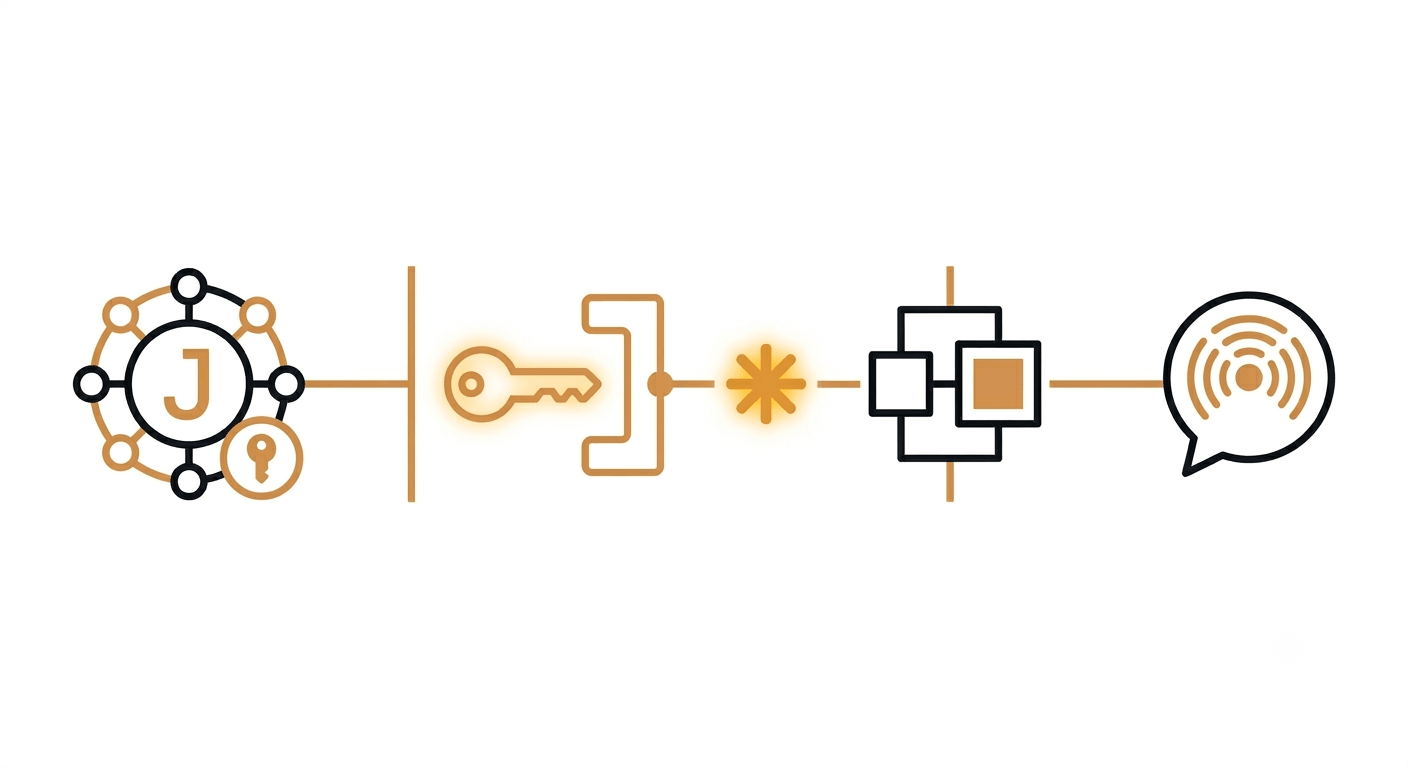
Writing JSONPath expressions is one thing. Actually running them on a schedule and being alerted when a value changes is a different problem entirely and it involves building a scheduler, storing state, running diffs, and wiring up retry-safe delivery.
Verid handles that whole loop. You write the JSONPath expression, point it at any JSON API, and configure a predicate. Verid polls on the interval you set, compares each extraction against the last run, and fires a signed webhook only when your rule is true.
Here is a complete monitor that watches the React GitHub releases endpoint and fires when tag_name changes:
curl -X POST https://api.verid.dev/v1/monitors \
  -H "Authorization: Bearer $VERID_API_KEY" \
  -H "Content-Type: application/json" \
  -d '{
    "name": "React latest release",
    "url": "https://api.github.com/repos/facebook/react/releases/latest",
    "schedule_interval_seconds": 3600,
    "extract_config": {
      "method": "json_path",
      "fields": {
        "version": "$.tag_name",
        "published": "$.published_at"
      }
    },
    "diff_predicate": {
      "type": "field_changes",
      "field": "version"
    },
    "deliveries": [
      {
        "type": "webhook",
        "url": "https://your-app.com/hooks/releases"
      }
    ]
  }'
The webhook payload you receive includes a structured diff object with before and after values:
{
  "diff": {
    "fields_changed": ["version"],
    "before": { "version": "v18.2.0" },
    "after":  { "version": "v19.1.0" }
  }
}
No parsing. No storing state. No retry logic. You get exactly what changed and when.
For the Node.js SDK version of this — and recipes for npm, PyPI, crypto prices, and more see the Verid extraction guide for JSONPath and the Quickstart docs.
Common Mistakes and How to Avoid Them
| Mistake | What happens | Fix |
|---|---|---|
Using 1-based indexing ([1] for first item) | Returns second item or null | JSONPath is zero-based: [0] is first |
Forgetting $ on the root | Expression may fail or behave unexpectedly | Always start with $ |
Using .. on large payloads without a key | Traverses the entire tree | Scope it: $..items not just $.. |
| Assuming filter support is uniform | Works in one library, fails in another | Test against your actual runtime |
| Dot notation on keys with hyphens | $.meta.content-type parses incorrectly | Use bracket notation: $['meta']['content-type'] |
Frequently Asked Questions
What does $ mean in a JSONPath expression?
$ is the root selector. It represents the top-level JSON value whether that's an object or an array. Every valid JSONPath expression starts with $, and from there you chain operators to navigate deeper into the structure.
What is the difference between . and .. in JSONPath?
A single dot (.) accesses a named child property one level down. Double dot (..) is the recursive descent operator; it searches the entire document tree at any depth for the specified key. So $.name looks for name only on the root object, while $..name finds every name property anywhere in the document.
Can JSONPath filter array elements by value?
Yes. Filter expressions use the syntax [?(@.field == value)]. The @ symbol refers to the current array item being evaluated. For example, $.items[?(@.status == "active")] returns only the items where status is "active". Numeric comparisons like [?(@.price < 50)] also work in all standard implementations.
How do I use JSONPath to monitor a live API for changes?
Write the JSONPath expression that targets the field you care about (e.g., $.tag_name), then use a tool like Verid to schedule the extraction and define a predicate such as field_changes or field_decreases_by_percent. Verid runs the query on your chosen interval, stores state between runs, and delivers a signed webhook only when the predicate fires. See the JSONPath extraction guide for ready-to-copy configurations.
About the author

Software Engineer
Suleman builds and maintains the parts of Verid that watch a page and decide what counts as a change (extraction, diffing, and delivery), and writes hands-on guides drawn from running those systems every day.
More from Suleman →Related posts
How to Track When a Competitor Switches Their Tech Stack (Without Checking Manually Every Week)
Stop manually re-checking BuiltWith. Learn how to get alerted the moment a competitor's site changes its tech stack, with a real workflow.
Read the post →Developer & DevOpsThe Hidden Cost of DIY Website Monitoring: A Build vs Buy Cost Analysis
Compare DIY website monitoring with managed platforms. Learn the real costs of maintenance, scaling, alerts, and long term ownership.
Read the post →how-toHow to Monitor PyPI Packages for Security Updates and New Releases
Learn how to monitor PyPI packages for CVEs, security advisories, and new releases using JSONPath, webhooks, and automated alerts with Verid.
Read the post →change detectionFree Website Change Monitors Compared (No Card Required)
Compare free website change monitors that need no credit card. Real limits, check frequency, and which tool actually fits your use case.
Read the post →