
Best Tools to Monitor Government Websites for Policy Changes in 2026
A compliance officer at a mid-size healthcare company found out about a revised CMS billing guideline six weeks after it went live. Nobody sent an email. There was no press release. An agency page just changed on a Tuesday afternoon, and nobody was watching it. By the time the change surfaced during an internal audit, three claims had already gone out under the old rule.
This happens more often than most teams admit. Government agencies publish a huge share of their real policy activity directly on their websites, not through formal channels. Guidance PDFs get swapped. FAQ pages get quietly rewritten. Fee schedules change without a Federal Register notice. If catching this depends on someone remembering to check a page, you already have a gap.
The good news is that watching these pages doesn't have to be manual. This guide breaks down the actual categories of tools available for monitoring government websites for policy changes, where each one fits, and how to set up alerts that catch what matters without flooding your inbox with noise from a rotating banner ad.
Why Monitoring Government Websites Is Harder Than It Looks
Government sites are a different animal from the ecommerce pages most monitoring tools were built for. A few things make them uniquely difficult to track.
There's rarely a clean API. Some agencies, like SAM.gov or the Federal Register, expose public APIs. Most don't. You're working with rendered HTML, PDFs linked three clicks deep, and search pages that reset their query parameters on every visit.
The important change is buried in noise. A policy page might update a visitor counter or refresh a "last reviewed" timestamp on every load, none of which matters. Tools that alert on any byte of change bury the one update you care about under false positives within a week.
Legacy platforms and modern rebuilds create opposite problems. Older government CMS platforms produce messy markup that breaks simple selectors. Newer portals lean on heavy JavaScript that trips up tools that only fetch static HTML.
The stakes are asymmetric. Missing an ecommerce price change costs a few dollars of margin. Missing a regulatory update can mean a compliance violation, a missed comment deadline, or a lost contract bid.
Keep those four problems in mind. They're the filter for evaluating every tool below.
The Four Categories of Monitoring Tools
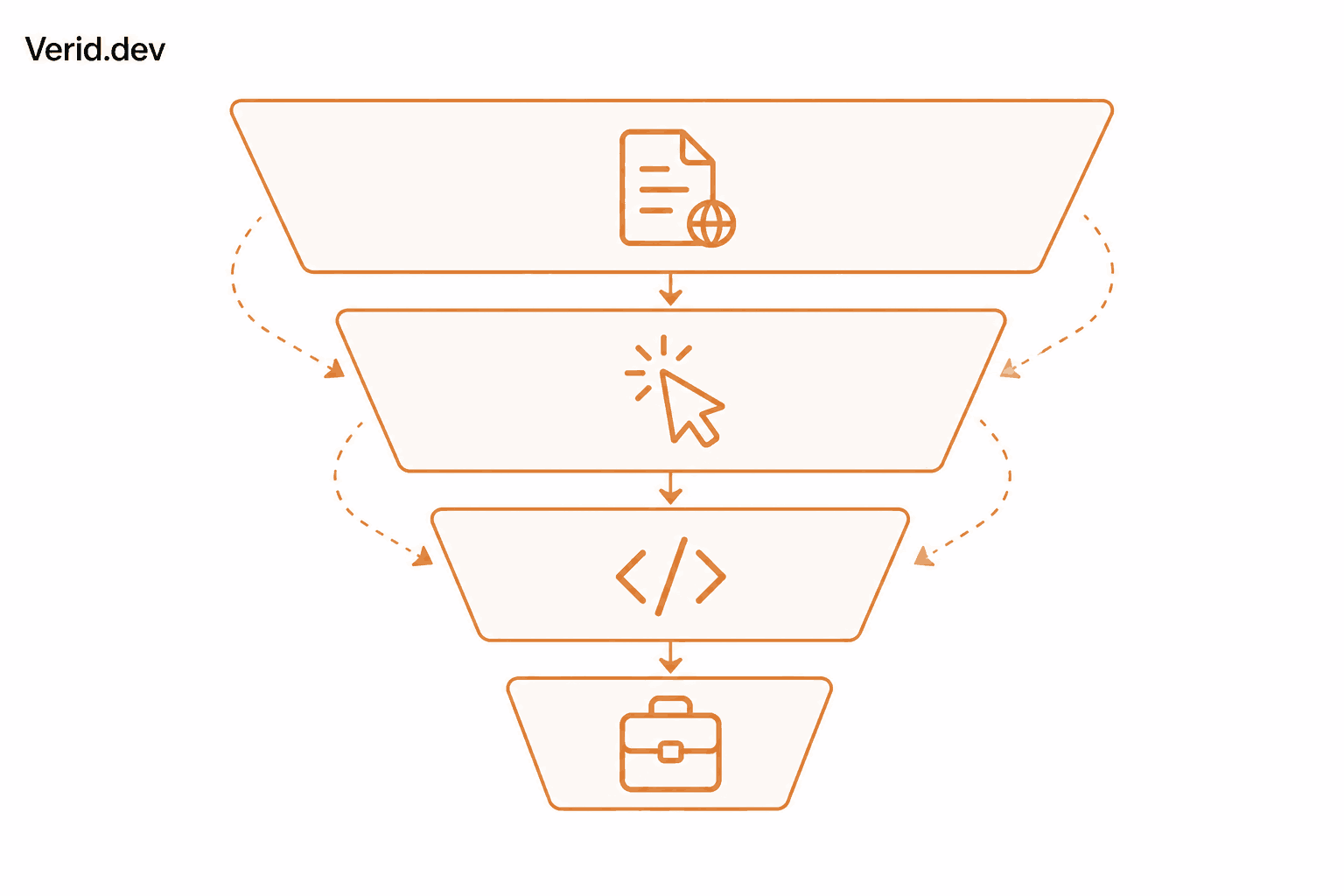
Before picking a tool, it helps to know which category you actually need. Almost every option on the market falls into one of four buckets.
| Category | What it does | Best for | Typical cost |
|---|---|---|---|
| Free government sources | Native feeds and archives from official channels | Basic, single-source tracking | Free |
| No-code visual monitors | Screenshot or text diffing with a point-and-click setup | Non-technical users watching a handful of pages | $0 to $30/mo |
| Developer-first change detection APIs | Structured extraction, field-level diffing, predicate-based alerts | Teams that need precision and want to skip false positives | $0 to $150/mo |
| Enterprise legislative intelligence platforms | Full bill and regulation tracking with analyst curation | Government affairs and lobbying teams needing broad legislative coverage | Often $10,000+/yr |
None of these is universally "best." A solo consultant tracking one state procurement page has different needs than a compliance team watching forty agency guidance pages, which is different again from a government affairs department tracking legislation across all fifty states.
Free Government Sources Worth Knowing First
Before paying for anything, it's worth knowing what the government itself already gives you for free.
Regulations.gov lets you search and subscribe to specific dockets for proposed federal rules open for public comment. If you're tracking rulemaking with a defined comment period, this is the authoritative starting point.
The Federal Register publishes every final rule, proposed rule, and notice from federal agencies, with email subscriptions by agency or topic.
USA.gov aggregates RSS feeds across government content categories, a coarse first layer that won't catch changes to a specific guidance subpage.
The Wayback Machine isn't a monitoring tool since it won't alert you to anything, but it's the best way to prove what a government page said on a past date, which matters for audit evidence.
These sources cover formal rulemaking well. They do almost nothing for the "quiet guidance page update" problem, which is where dedicated monitoring tools come in.
No-Code Visual Monitoring Tools
For non-technical users who need to watch a small number of pages, visual and text-diffing tools remain the fastest way to get started.
Visualping takes screenshots of a page on a schedule and highlights visual differences, which works well for simple pages but tends to struggle with JavaScript-heavy portals and can generate alert fatigue on pages with frequently rotating content.
Distill.io offers both a local browser extension and cloud-based monitoring, with support for CSS and XPath selectors if you want more precision than pure screenshot diffing.
ChangeTower leans into compliance and audit use cases specifically, pairing change alerts with timestamped page archives that can serve as evidence of what a page looked like on a given date.
These tools share a common tradeoff. They're easy to set up, but most of them alert on any detected change rather than on a specific meaningful value, which means government pages with rotating banners, visit counters, or dynamic timestamps will generate noise unless you carefully scope the monitored area.
Developer-First Change Detection APIs
This is the category built for teams that want precision: alerts on the exact field that changed, not just "something on this page is different."
Verid is a developer-first web change detection API built around structured extraction rather than screenshot diffing. Instead of comparing pixels, Verid pulls specific fields out of a page using CSS selectors, XPath, JSONPath, regex, a full-page hash, or a plain-English AI prompt, then compares those fields run over run and only fires a notification when a predicate you define evaluates to true. For a government guidance page, that might mean firing only when the "effective date" field on the page actually changes, while ignoring everything else on the page. Verid has a dedicated use case for regulatory filings and policy pages that walks through exactly this pattern, and a separate guide for government contract and tender monitoring for procurement-specific tracking. It has a 14-day free trial with no card (unlimited monitors and 200 runs), checks as often as every minute on any plan, and paid plans starting at $9/month for 1,000 runs.
changedetection.io is a well-known open-source, self-hosted option. It gives you full data ownership and unlimited monitors if you're willing to run it on your own server, with a filtering system to ignore specific page elements.
Changeflow positions itself specifically for regulatory awareness, monitoring government websites directly rather than relying on curated databases, with AI filtering layered on top to reduce noise.
The common thread across this category is control. You're not waiting for a vendor's pre-built taxonomy to cover your agency of interest. You point the tool at the exact page, define the exact field, and decide the exact condition that should trigger an alert.
Enterprise Legislative Intelligence Platforms
If your job involves tracking legislation and regulatory activity across many jurisdictions rather than watching a defined list of pages, the enterprise platforms in this category do things the tools above simply aren't built for.
FiscalNote tracks legislation, regulations, and policy changes across federal, state, and international jurisdictions, bundling in congressional tracking and geopolitical risk analysis. It's built for large government affairs teams and doesn't publish transparent pricing.
PolicyNote (also from FiscalNote) focuses on legislative and regulatory tracking with AI-assisted summaries and red-line comparisons between bill versions, with coverage extending down to municipalities and school districts.
POLITICO Pro and MultiState round out the category, pairing bill tracking with either a newsroom's political context or a team of human policy analysts reading the actual bills for you.
These platforms are genuinely powerful, and genuinely expensive. They make sense when your team's job is legislative intelligence itself. They're overkill if you just need to know when three specific agency pages change.
Why Field-Level Alerts Beat "Something Changed" Alerts
The single biggest reason government website monitoring generates frustration is that most tools were designed around the wrong question. They ask "did this page change?" when the real question is "did the thing I care about change?"
A full-page hash or screenshot diff will happily fire because a "views this week" counter incremented, while missing that a "no changes to report" summary quietly became "revised effective date" three sentences later. This is why Verid's regulatory filings use case recommends pairing two monitors on the same page: a full-page hash as a noisy backup signal, and a prompt-based extraction that pulls out a specific effective date field as the actual day-to-day alert.
Here's what that predicate-based extraction config looks like:
{
  "method": "prompt",
  "prompt": "From this regulatory page, extract: (1) the effective date of the most recent revision (ISO date), (2) the title of the rule, (3) a one-sentence summary of what changed.",
  "schema": {
    "effective_date": "string",
    "rule_title": "string",
    "summary": "string"
  }
}
And the predicate that decides when to actually notify someone:
{ "type": "field_changes", "field": "effective_date" }Other fields on the page, like a visitor count or a cookie banner, can change freely without triggering anything. Only a genuine revision to the effective date fires the alert.
Building a Real Monitor: Step by Step
Here's a complete example using Verid's REST API to monitor a regulatory guidance page and deliver a plain-language alert straight to a legal team's inbox.
curl -X POST https://api.verid.dev/v1/monitors \
  -H "Authorization: Bearer vrd_your_api_key" \
  -H "Content-Type: application/json" \
  -d '{
    "name": "Treasury - Guidance on X",
    "url": "https://home.treasury.gov/news/guidance/x",
    "schedule_interval_seconds": 86400,
    "extract_config": {
      "method": "prompt",
      "prompt": "From this regulatory page, extract: (1) the effective date of the most recent revision (ISO date), (2) the title of the rule, (3) a one-sentence summary of what changed.",
      "schema": {
        "effective_date": "string",
        "rule_title": "string",
        "summary": "string"
      }
    },
    "diff_predicate": { "type": "field_changes", "field": "effective_date" },
    "deliveries": [
      { "type": "email", "to": "legal@example.com" }
    ]
  }'
The schedule_interval_seconds of 86400 checks the page once a day, which is plenty for regulatory pages since they rarely change more than a few times a month. When the predicate fires, the delivered webhook payload looks like this:
{
  "id": "del_01H...",
  "fired_at": "2026-05-08T10:00:00Z",
  "diff": {
    "fields_changed": ["effective_date", "summary"],
    "before": {
      "effective_date": "2026-01-15",
      "rule_title": "Guidance on X for Q1 2026",
      "summary": "Original publication of the Q1 guidance."
    },
    "after": {
      "effective_date": "2026-05-08",
      "rule_title": "Revised Guidance on X - Q2 2026",
      "summary": "Updates the Q1 guidance with revised thresholds for reporting and a new effective date."
    }
  }
}
Everything your compliance team needs to act is right there in the diff: what changed, what it changed from, and what it changed to. The same pattern applies to Node.js through Verid's official SDK, available via npm install @verid.dev/sdk, if you'd rather manage monitors from your own codebase than curl commands.
Comparing the Named Tools
| Tool | Category | Alert basis | Free tier | Best fit |
|---|---|---|---|---|
| Regulations.gov | Free government source | Docket subscription | Yes | Public comment tracking |
| Visualping | No-code visual | Screenshot/text diff | Yes, limited | Non-technical, few pages |
| Distill.io | No-code visual | Selector or visual diff | Yes, limited | Technical users wanting selectors without an API |
| ChangeTower | No-code visual | Text/HTML/visual diff | Limited trial | Compliance teams needing audit archives |
| Verid | Developer-first API | Field-level predicate | 14-day free trial, no card | Precise, low-noise alerts with code or dashboard |
| changedetection.io | Developer-first, self-hosted | Configurable diff | Yes, self-hosted | Full data ownership, technical teams |
| FiscalNote / PolicyNote | Enterprise intelligence | Curated legislative tracking | No | Government affairs teams tracking many jurisdictions |
Best Practices for Monitoring Policy Pages
Monitor the specific page, not the homepage. A search results page filtered to your topic beats an agency's general news page every time.
Separate "did it change" from "does it matter." Use a broad signal as a backup and a narrow, field-specific signal as your primary alert, the same two-monitor pattern used for regulatory filings.
Match check frequency to how often the source actually updates. Daily checks are almost always enough for regulatory guidance. Save five-minute intervals for pages where speed genuinely determines outcome, like time-limited procurement postings.
Archive every alert you receive. Storing the before-and-after summary in your own compliance record creates an audit trail that matters the first time a regulator asks when you learned about a change.
Expect to switch extraction methods over time. A page that works fine with a CSS selector today may get redesigned next quarter. A fallback like AI extraction saves you from a broken monitor and a missed alert.
Final Thoughts
There's no single best tool here, only the best tool for the job in front of you. Free government sources cover formal rulemaking well. No-code visual tools are the fastest way for a non-technical user to start watching a handful of pages today. Developer-first APIs like Verid give you the precision to alert on the exact field that matters, which is the difference between a monitoring system your team trusts and one they eventually mute. Enterprise legislative platforms make sense once your job is tracking policy activity at scale across many jurisdictions.
Whichever tier fits, the principle stays the same. The cost of missing a policy change is rarely proportional to the effort of catching it. A daily automated check costs a fraction of what a missed compliance deadline or a lost contract bid does.
Frequently Asked Questions
What is the best way to monitor government websites for policy changes?
Start by identifying the exact page where the policy or guidance you care about gets published, not the agency's homepage. From there, match the tool to your needs: free government sources like Regulations.gov for formal rulemaking, a no-code visual tool if you're not technical, or a developer-first API like Verid if you want alerts on a specific field rather than any page change.
How often should I check a government website for updates?
Daily checks are sufficient for most regulatory and policy pages, since agencies rarely update guidance more than a few times a month. Faster checks, down to every five or fifteen minutes, make more sense for time-sensitive content like procurement postings with tight submission windows.
How do I avoid false alerts from government websites?
Most false positives come from tools that alert on any page change, including rotating banners, visit counters, and timestamps. Using field-level extraction, where you define exactly which value to track, such as an effective date or rule title, and only fire an alert when that specific value changes, eliminates the majority of this noise.
Can I monitor government websites without writing any code?
Yes. No-code visual tools like Visualping and Distill.io are built for this, and developer-first tools like Verid also offer a dashboard where you can configure monitors, extraction methods, and email alerts without touching the API.
About the author

Software Engineer
Suleman builds and maintains the parts of Verid that watch a page and decide what counts as a change (extraction, diffing, and delivery), and writes hands-on guides drawn from running those systems every day.
More from Suleman →Related posts
Website Monitoring vs Uptime Monitoring: What's the Difference?
Uptime monitoring checks if a site is up. Website monitoring checks what it says. Learn the difference and when you need both.
Read the post →comparisonHexowatch Alternative for Developers: Best Website Monitoring Tools in 2026
Looking for a Hexowatch alternative with a real API? Compare the best developer-focused website monitoring and change detection tools in 2026.
Read the post →comparisonchangedetection.io vs Verid: Which Website Monitoring Tool Is Right for You?
changedetection.io vs Verid compared. See which website change detection tool fits your stack - screenshot alerts or structured API-driven monitoring.
Read the post →price monitoringBest Price Monitoring Tools for Ecommerce in 2026
Compare the 7 best price monitoring tools for ecommerce in 2026 — Verid, Visualping, Prisync, Price2Spy, changedetection.io, Browse AI, and Wiser — with honest pros, cons, and pricing.
Read the post →